
Guidelines for Changing the Alta Battery
Article #17189
Guidelines for changing the Alta battery:
Ensure the battery lock switch is in the locked position before you turn on the tablet.
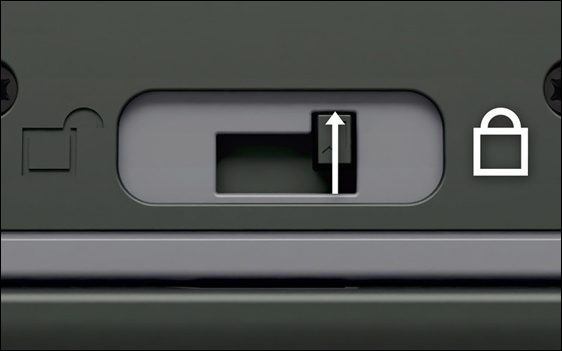
Note: If the battery switch is unlocked, the tablet may repeatedly boot to the "Powered by Android" logo and complete the boot cycle only after you lock the switch.Disconnect the Alta from the USB charger and cable before you remove or replace the battery. Otherwise, Alta may power off and you will lose any unsaved data.