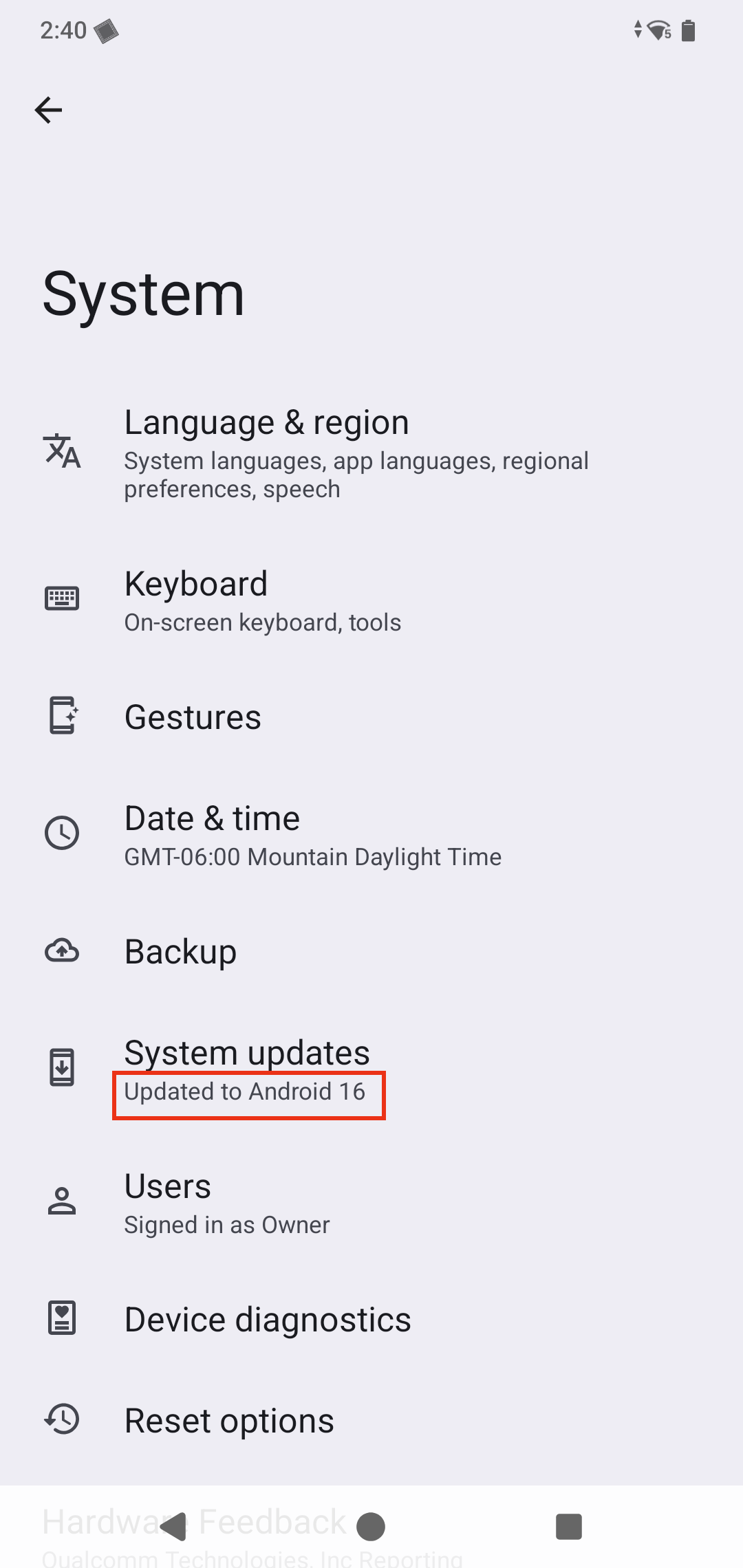
Android 16 OS Upgrade for Archer 4
Article #17173
To upgrade Archer 4 handheld to Android 16:
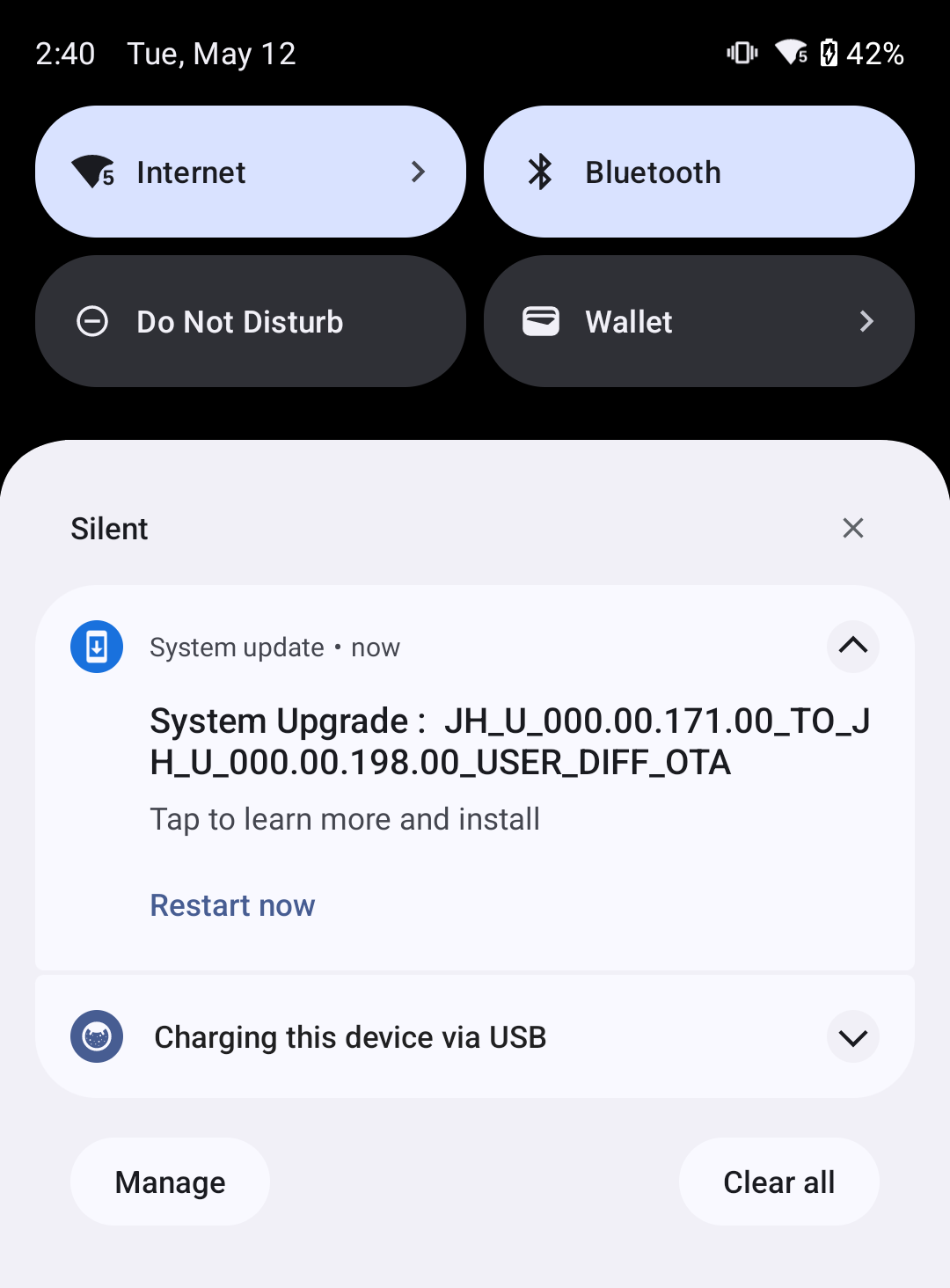
Android will notify you that a system update is available.
If the notification does not appear, go to Settings > System > System update > Check for update.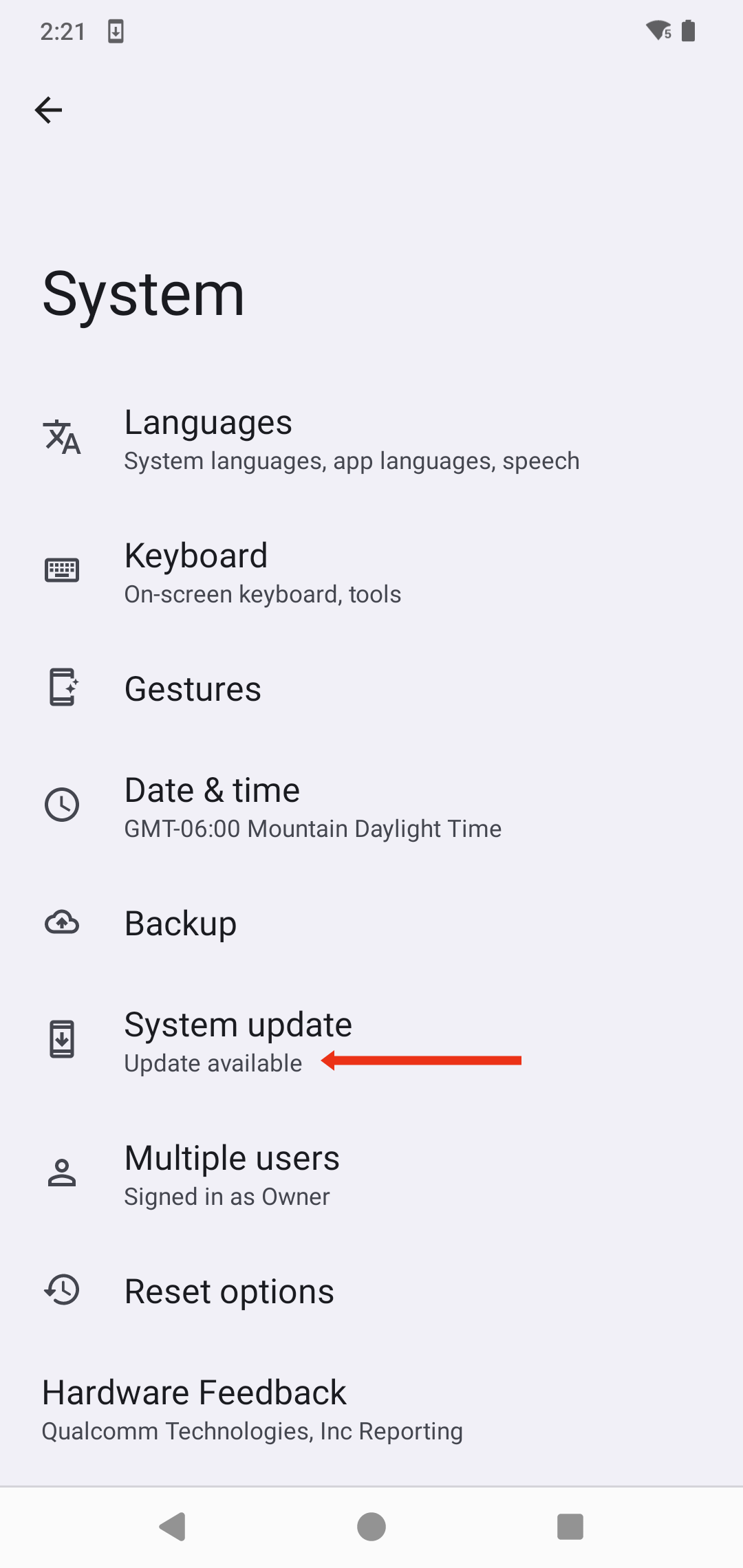
Tap Download and Install.
After the installation completes, the Archer 4 restarts.
If it doesn't automatically restart, swipe down and tap Restart.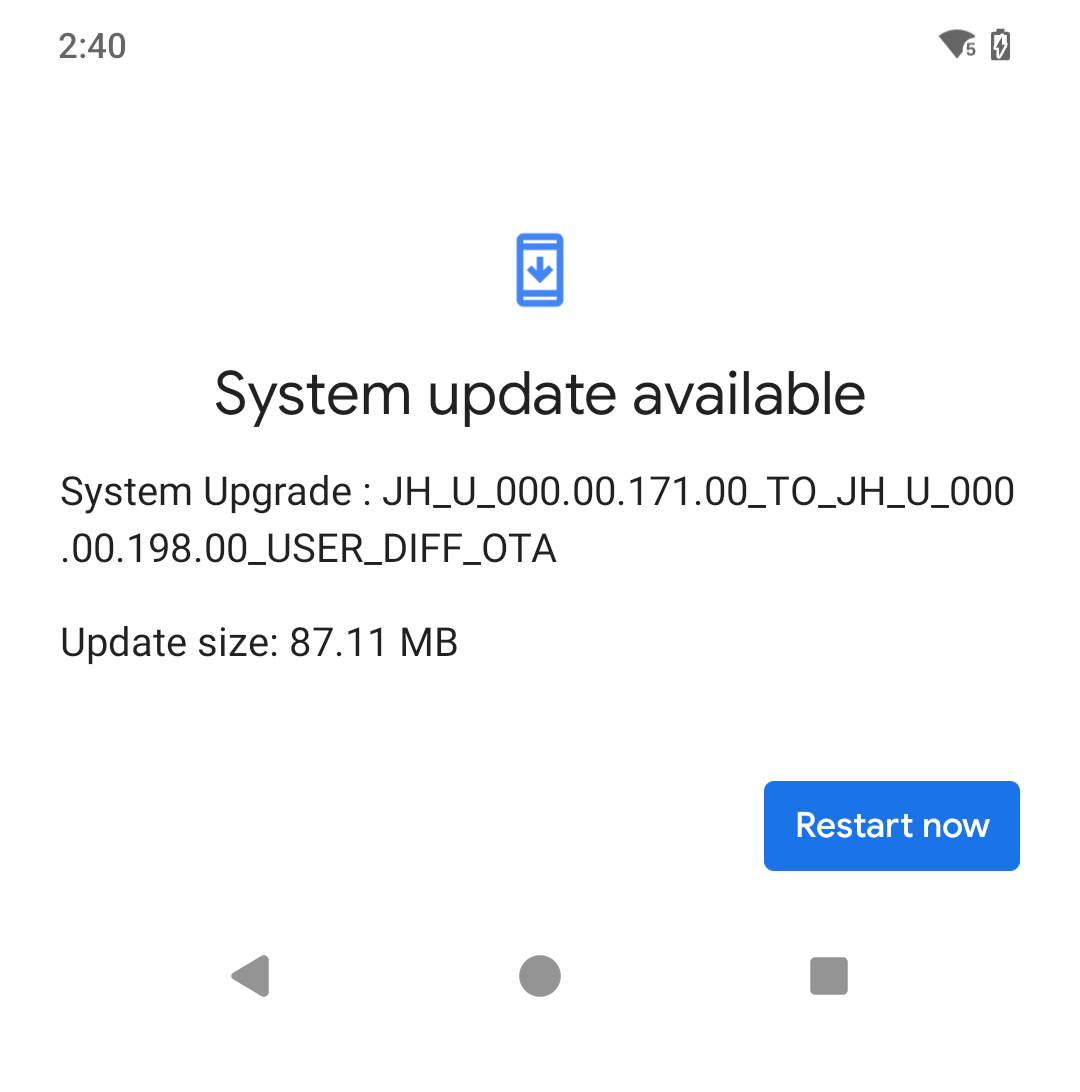
From the home screen, check for notifications by swiping down from the top of the screen.
To check for additional updates go to Settings > System > System update > Check for update.
To verify that your update is applied check Settings > System