
Turn on Docking Pads to Power the Attachable Keyboard
Article #17109
If your Mesa 4 is not connecting to the Mesa 7-inch Attachable Keyboard as expected, it may be due to the USB docking pins not being enabled. Follow the steps below to ensure they are active.
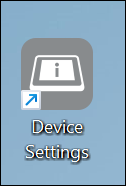
From the Device Settings app, select the three-line menu button.
Note: Device Settings is different from Windows settings.
Select Misc.
Ensure that Docking pads is selected (On).
Attempt to connect the attachable keyboard again.