
Improve data input to app from active port on Geode
Article #15971
Disabling messages on unused ports of the Geode can potentially improve high bandwidth data input from an active port to data collection apps, such as OnPOZ Collect & Cloud or ESRI ArcGIS apps running on an Apple iPhone or iPad.
To disable messages using Geode Connect,
Connect the Geode GNS3 receiver.
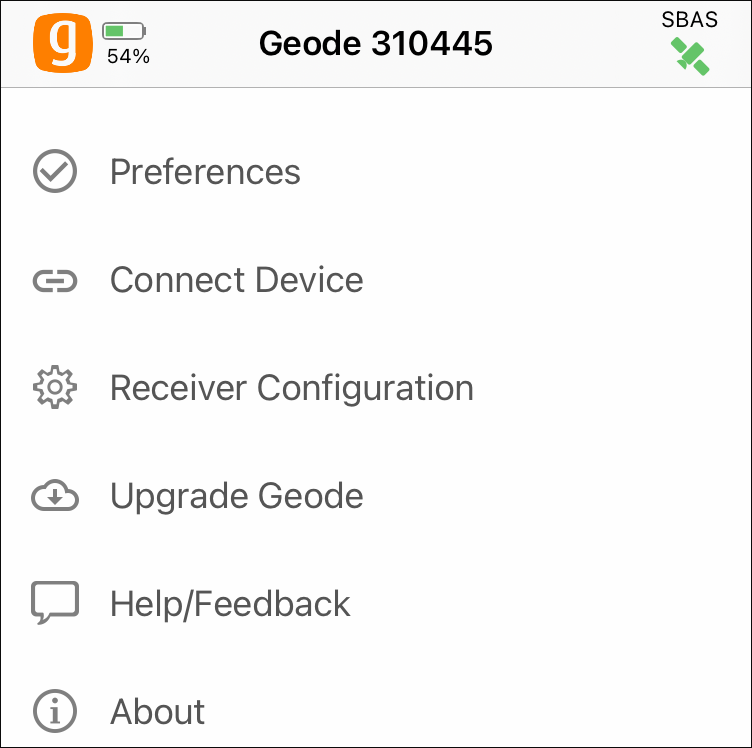
On the navigation bar, tap More to open the Settings.

Tap Receiver Configuration.
Tap Port Connection.
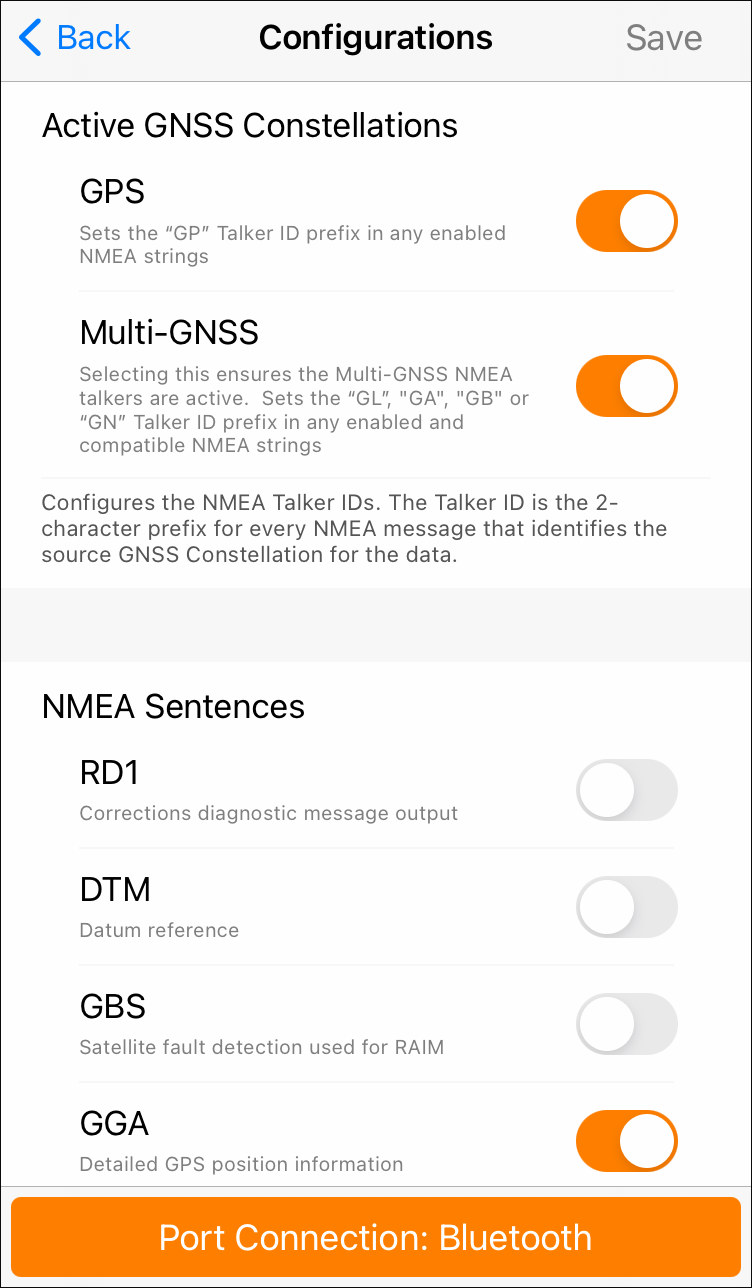
Select the port you want to configure.
Turn off all NMEA sentences for that port.
Tap Save.
Repeat steps 4-7 for all unused ports.
Reviewed Jun 2023: OS, JF